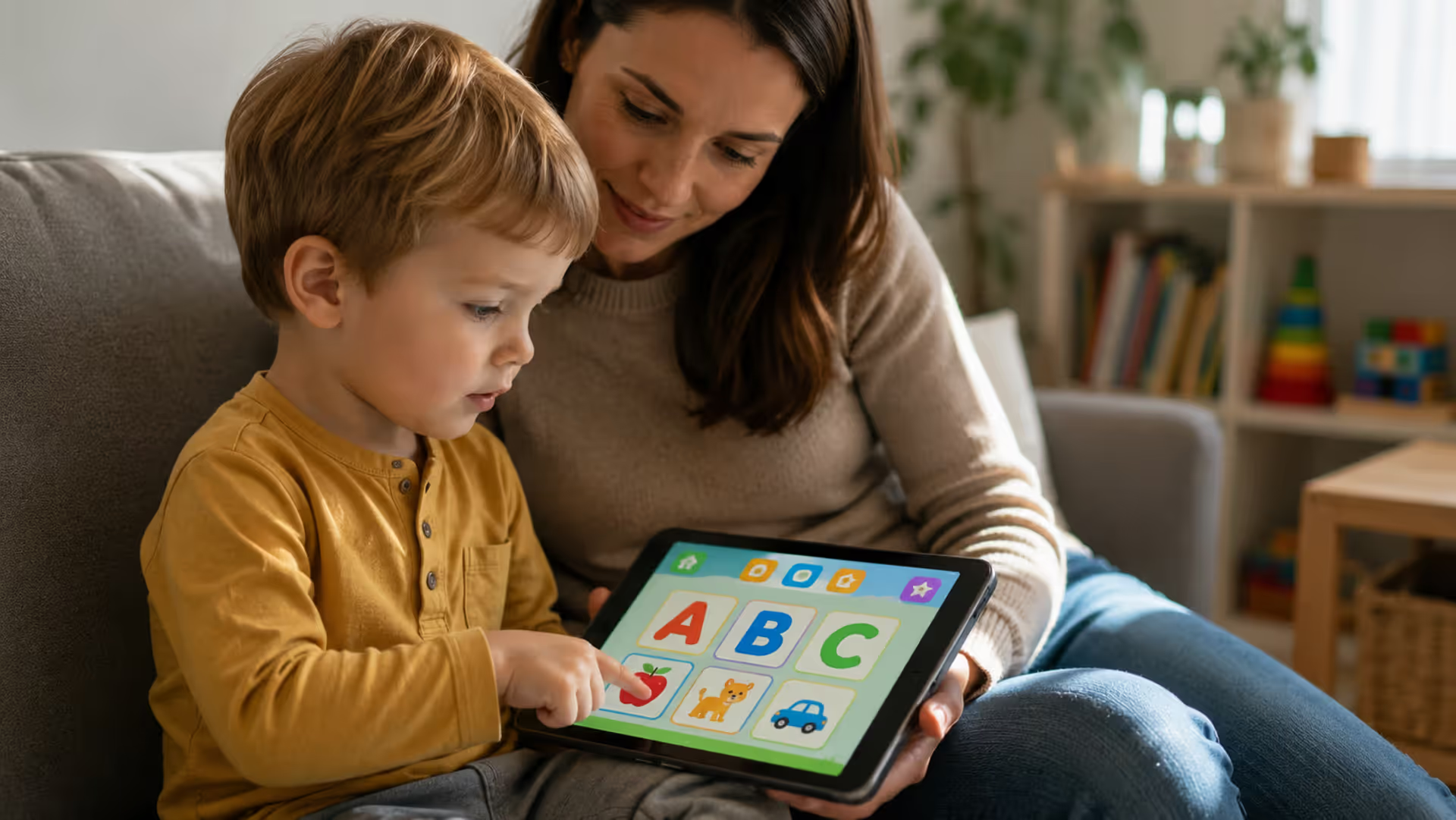
Young child using educational reading app on tablet with parent nearby
Reading Apps for Kids Guide

Content
Finding the right reading apps for kids can feel overwhelming. Hundreds of options promise to turn your toddler into a confident reader, but which ones actually deliver? The truth is, not all educational apps are created equal. Some are glorified games with little instructional value. Others use research-backed methods that genuinely support literacy development. This guide cuts through the noise to help you choose apps that work—and shows you how to use them effectively alongside traditional reading instruction.
Why Use Apps to Support Early Reading Development
Digital reading for kids isn't about replacing books. It's about adding another tool to your teaching toolkit.
Well-designed early literacy apps offer something print can't: instant feedback. When your child taps a letter and hears its sound immediately, that reinforcement happens in real time. No waiting. No confusion. The app responds the same way every single time, which builds consistency—especially helpful for children who need extra practice.
Interactive elements keep young learners engaged longer than passive activities. A four-year-old might sit still for five minutes with a picture book. That same child might spend fifteen minutes with an app that lets them drag letters, pop bubbles with sight words, or record their own voice reading a story.
But here's the catch: apps work best as supplements, not substitutes.
Research from the Joan Ganz Cooney Center shows that children learn more from digital books when parents participate actively. Reading development apps can reinforce phonics patterns your child is learning in school or introduce new vocabulary through context. They can't replace the nuanced guidance a parent or teacher provides.
Screen time considerations matter too. The American Academy of Pediatrics suggests limiting screen time to one hour per day for children ages 2-5. For kids six and older, consistent limits still apply. Educational content counts toward that total, so you'll need to balance reading apps with other digital activities.
The pattern I see most often is parents treating apps as babysitters rather than learning tools. That's where the value drops off. When you sit with your child, ask questions about the story, or celebrate when they sound out a new word, the app becomes exponentially more effective.
What to Look for in Quality Reading Apps
Age-appropriateness tops the list. An app designed for kindergarteners will frustrate a toddler and bore a second-grader.
Author: Olivia Bennet;
Source: raynet-merseyside.net
Check how the app teaches phonics. Quality educational apps for early readers follow a systematic sequence: starting with letter recognition, moving to letter sounds, then blending sounds into words. Apps that jump around randomly or focus only on sight word memorization miss the mark for most children learning to read.
Progress tracking helps you see what's working. The best learning to read apps show which skills your child has mastered and where they're struggling. Some send weekly reports. Others display progress bars within the app. Either way, you want visibility into their development.
Offline access matters more than you'd think. Long car rides, airplane trips, or areas with spotty internet—these situations happen. Apps that require constant connectivity become useless at the worst times.
Look for ad-free experiences. Nothing derails learning faster than a pop-up trying to sell in-app purchases or promoting unrelated games. Free apps often come with ads. Paid versions typically don't.
Research-backed methods separate serious educational tools from entertainment dressed up as learning. Does the app mention alignment with science of reading principles? Was it developed with input from literacy specialists? These details matter.
One red flag: apps that claim miraculous results in unrealistic timeframes. Learning to read takes time. Any app promising fluency in weeks is overselling.
Top Reading Apps by Age and Skill Level
Different ages need different approaches. Here's what actually works for each stage.
Apps for Toddlers and Preschoolers (Ages 2–4)
Endless Alphabet introduces letter recognition through adorable animations. Each word breaks apart into individual letters that kids drag into place. When completed, the word comes to life in a short animation showing its meaning. Perfect for building vocabulary alongside letter knowledge.
Starfall ABCs offers a structured path through the alphabet with songs, activities, and simple games. It's been around since 2002 and still holds up because it sticks to proven methods. The interface is simple enough for two-year-olds to navigate independently.
Homer personalizes lessons based on your child's interests and skill level. It covers letters, sounds, and early sight words through interactive stories and activities. The app adjusts difficulty automatically, keeping kids challenged without overwhelming them.
Khan Academy Kids provides a comprehensive early learning experience that includes reading readiness alongside math and social-emotional skills. The reading section focuses on phonemic awareness and letter sounds through games and books.
Apps for Kindergarten Through Second Grade
Teach Your Monster to Read gamifies phonics instruction by turning lessons into an adventure. Kids create a monster character and help it complete challenges by reading words and sentences. It covers everything from letter sounds to full sentence reading.
Author: Olivia Bennet;
Source: raynet-merseyside.net
Reading Eggs offers a complete curriculum with 120 lessons progressing from letter recognition through reading comprehension. Each lesson includes instruction, practice, and assessment. The golden eggs kids earn unlock games, making practice feel like rewards.
ABCmouse goes beyond reading to cover a full early education curriculum, but its reading section is particularly strong. Interactive story apps within ABCmouse let kids read along with narration, then answer comprehension questions.
Hooked on Phonics has been teaching kids to read since 1987, and their app maintains the systematic approach that made the original program effective. It combines video lessons, interactive games, and digital books in a clear sequence.
Apps for Advancing Readers
Epic! functions like a digital library with over 40,000 books for kids up to age 12. It's less about teaching reading mechanics and more about building fluency and love of reading through access to diverse content.
Raz-Kids provides leveled reading practice with books that gradually increase in complexity. Kids read books, take comprehension quizzes, and earn stars. Teachers often use this in classrooms, but parents can subscribe too.
Rivet offers a free library of thousands of books with built-in support features. Kids can tap words to hear them read aloud, making it useful for children reading slightly above their independent level.
Phonics-Focused Apps vs. Story-Based Apps
These two types serve different purposes. Understanding the distinction helps you choose what your child needs right now.
Phonics apps for toddlers and early readers focus on the mechanics of reading: letter sounds, blending, decoding. They're instructional. Kids learn the building blocks that make reading possible. Apps that teach phonics typically include systematic lessons, repetitive practice, and clear skill progression.
Story-based apps emphasize comprehension, vocabulary, and enjoyment. They're experiential. Kids practice reading in context, encounter new words naturally, and develop fluency. Interactive story apps often include narration options, animated illustrations, and comprehension questions.
Which type fits your child? It depends on where they are in their reading journey.
A four-year-old who doesn't yet know letter sounds needs phonics instruction first. A six-year-old who can decode simple words but reads slowly benefits from story practice. A struggling reader might need both: phonics apps to fill gaps in foundational skills and story apps to build confidence.
Different learning styles also play a role. Some kids respond well to the drill-and-practice nature of phonics apps. Others find them tedious and engage more with story-based learning. You might need to try both approaches to see what clicks.
Here's a counterintuitive point: even kids who read well need continued phonics practice. English spelling patterns are complex. Phonics instruction doesn't end in kindergarten. Apps that teach advanced phonics concepts (like vowel teams, silent letters, and multi-syllable words) benefit readers through second grade and beyond.
The simpler option usually wins here—use phonics apps for teaching new skills and story apps for practicing those skills in context.

Author: Olivia Bennet;
Source: raynet-merseyside.net
Free vs. Paid Reading Apps Worth the Investment
Free apps exist, and some are genuinely good. But they come with tradeoffs.
Khan Academy Kids is completely free with no ads or subscriptions. It's funded by donations and provides a robust early learning curriculum. The reading section alone rivals many paid apps.
Rivet by Google offers thousands of free books with reading support features. No catch. No upsells. Just free content.
Starfall has a free version with limited content and a paid membership ($35/year as of 2026) that unlocks everything. The free version provides enough value that many families never upgrade.
But premium features often justify their cost.
Reading Eggs charges around $60-$80 per year depending on promotional pricing. You're paying for a structured curriculum, progress tracking, and professional content development. For parents who want a complete program, it's worth it.
ABCmouse runs about $60-$100 annually. The breadth of content across subjects makes it a better value than single-purpose apps if your child will use the math, science, and art sections too.
Teach Your Monster to Read costs $5-$10 as a one-time purchase (prices vary by device). That's cheaper than most children's books and provides months of phonics practice.
One-time purchases beat subscriptions for apps your child will use intensively for a few months then outgrow. Subscriptions make sense for apps with continuously updated content or multiple age levels you'll use over years.
Here's what to avoid: apps with aggressive in-app purchase prompts. Some "free" apps lock most content behind paywalls and constantly interrupt learning to ask for money. That's frustrating for kids and annoying for parents.
Before subscribing, check if your local library offers free access. Many library systems provide subscriptions to apps like ABCmouse or Tumblebooks through their digital collections.
How to Integrate Reading Apps into Your Child's Routine
Daily time limits prevent screen overload. Twenty to thirty minutes per day is plenty for educational reading games and apps. More isn't better—it's just more screen time.
Balance matters more than any single tool. Your child should still have daily print book reading time, ideally with you. Apps complement this, not replace it.
Use reading development apps for practice, not primary instruction. If your child is learning short vowels in school, an app that reinforces those patterns helps. But the app shouldn't be their first introduction to the concept. That's the teacher's (or your) job.
Timing affects effectiveness too. Some kids focus better on apps in the morning. Others do better after school as a transition activity. Avoid using reading apps right before bed—the screen light interferes with sleep.
Track progress regularly. Most apps include parent dashboards. Check them weekly. Are skills improving? Is your child stuck on certain levels? This information helps you know when to provide extra help or when to celebrate progress.
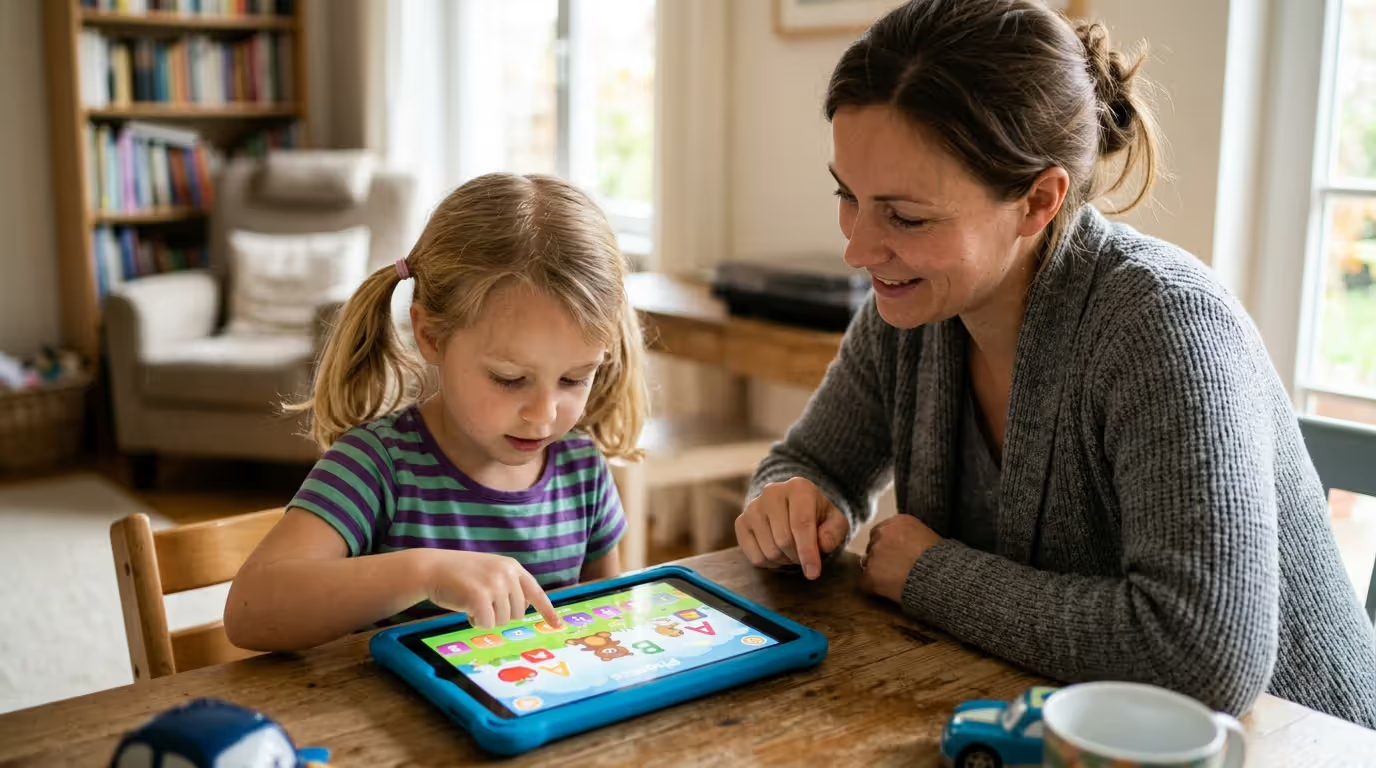
Co-engagement boosts results dramatically. Sitting with your child while they use an app—asking questions, discussing stories, helping with tricky words—turns passive screen time into active learning. You don't need to hover constantly, but regular check-ins matter.
One practical approach: alternate between app days and book days. Monday, Wednesday, Friday use apps for 20 minutes. Tuesday, Thursday focus on print books. Weekends are for library trips and free reading.
Common Mistakes Parents Make with Educational Reading Apps
Over-reliance on apps happens easily. You download a highly-rated app, your child enjoys it, and suddenly it becomes the default reading activity. But educational apps for early readers work best as one component of a literacy-rich environment—not the only component.
Ignoring age recommendations causes frustration. An app designed for second-graders will overwhelm a preschooler. An app for toddlers will bore a kindergartener. The age ranges listed aren't suggestions—they're based on developmental appropriateness.
Not reviewing content first is risky. Just because an app markets itself as educational doesn't mean it aligns with your values or teaching philosophy. Spend fifteen minutes exploring any app before handing your device to your child.
Skipping parent-child interaction wastes the app's potential. Remember that research showing kids learn more from digital books with parent involvement? That applies to all learning to read apps. The app is a tool. You're still the teacher.
Expecting apps to fix reading struggles without addressing underlying issues sets everyone up for disappointment. If your child has significant reading difficulties, an app alone won't solve them. You might need assessment from a reading specialist to identify specific challenges.
Using apps as rewards or punishment creates weird associations. "You can use your reading app if you finish your vegetables" or "No reading app because you didn't clean your room" sends the message that reading is a treat or a privilege to be withheld. Reading should feel like a normal, positive part of daily life.
Downloading too many apps at once overwhelms kids and prevents mastery. Pick one or two apps that match your child's current needs. Use them consistently for a few months. Then reassess and change if needed.
Technology can be a powerful tool for literacy development when used intentionally and with adult guidance. The key is not whether children use digital reading tools, but how they use them. Apps should enhance, not replace, the rich language interactions and shared reading experiences that form the foundation of literacy.
— Neuman Susan B.
Comparison of Popular Reading Apps
| App Name | Best Age Range | Key Features | Phonics/Story Focus | Price Model | Offline Availability |
| Khan Academy Kids | 2-7 years | Personalized learning path, no ads, comprehensive curriculum | Both | Free | Yes (downloaded content) |
| Reading Eggs | 3-7 years | 120 structured lessons, progress tracking, rewards system | Primarily phonics | Subscription (~$60-80/year) | Yes |
| Teach Your Monster to Read | 3-6 years | Gamified phonics, three games covering beginning to fluent reading | Phonics | One-time purchase ($5-10) | Yes |
| ABCmouse | 2-8 years | Full curriculum, 10,000+ activities, step-by-step learning path | Both | Subscription (~$60-100/year) | Yes |
| Epic! | 4-12 years | 40,000+ books, reading log, personalized recommendations | Story | Subscription (~$10/month) | Yes (limited books) |
| Homer | 2-8 years | Personalized lessons, interests-based content, progress reports | Both | Subscription (~$60/year) | Yes |
| Starfall ABCs | 2-5 years | Alphabet focus, songs and activities, simple interface | Phonics | Free (limited) or $35/year | Yes |
| Hooked on Phonics | 3-8 years | Systematic phonics curriculum, video lessons, interactive games | Phonics | Subscription (~$50-80/year) | Yes |

Author: Olivia Bennet;
Source: raynet-merseyside.net
How to Know When Apps Are Working
Results show up in different ways. Your child might start recognizing letters on signs during car rides. They might attempt to sound out words in picture books independently. These small signs indicate the app is reinforcing skills.
But don't expect overnight transformation. Reading development happens gradually. A child using a quality app consistently for three months should show measurable progress in the specific skills that app targets.
If you're not seeing progress after consistent use (20-30 minutes daily for 6-8 weeks), something's off. The app might be too easy, too hard, or not addressing your child's actual learning needs. Time to reassess.
Watch for engagement too. Does your child ask to use the app? Do they stay focused during app time? Genuine interest suggests the app is hitting the right level. Resistance or constant distraction might mean the content isn't connecting.
FAQ: Reading Apps for Kids Questions Answered
Reading apps for kids can genuinely support literacy development when chosen carefully and used intentionally. The best reading apps for children combine research-backed instruction with engaging content that keeps young learners motivated. But they're tools, not magic solutions.
Your involvement matters more than the app itself. Sitting with your child, discussing what they're learning, and connecting app activities to real-world reading makes the difference between screen time and learning time.
Start with one or two apps that match your child's current skill level. Use them consistently but not exclusively. Balance digital reading with print books, conversations, and real-world literacy experiences. Track progress and adjust as your child grows.
The goal isn't to find the perfect app. It's to build a confident, capable reader who loves books—whether they're digital or printed on paper.